Setting Up a Smart Thermostat in a Greenhouse Environment
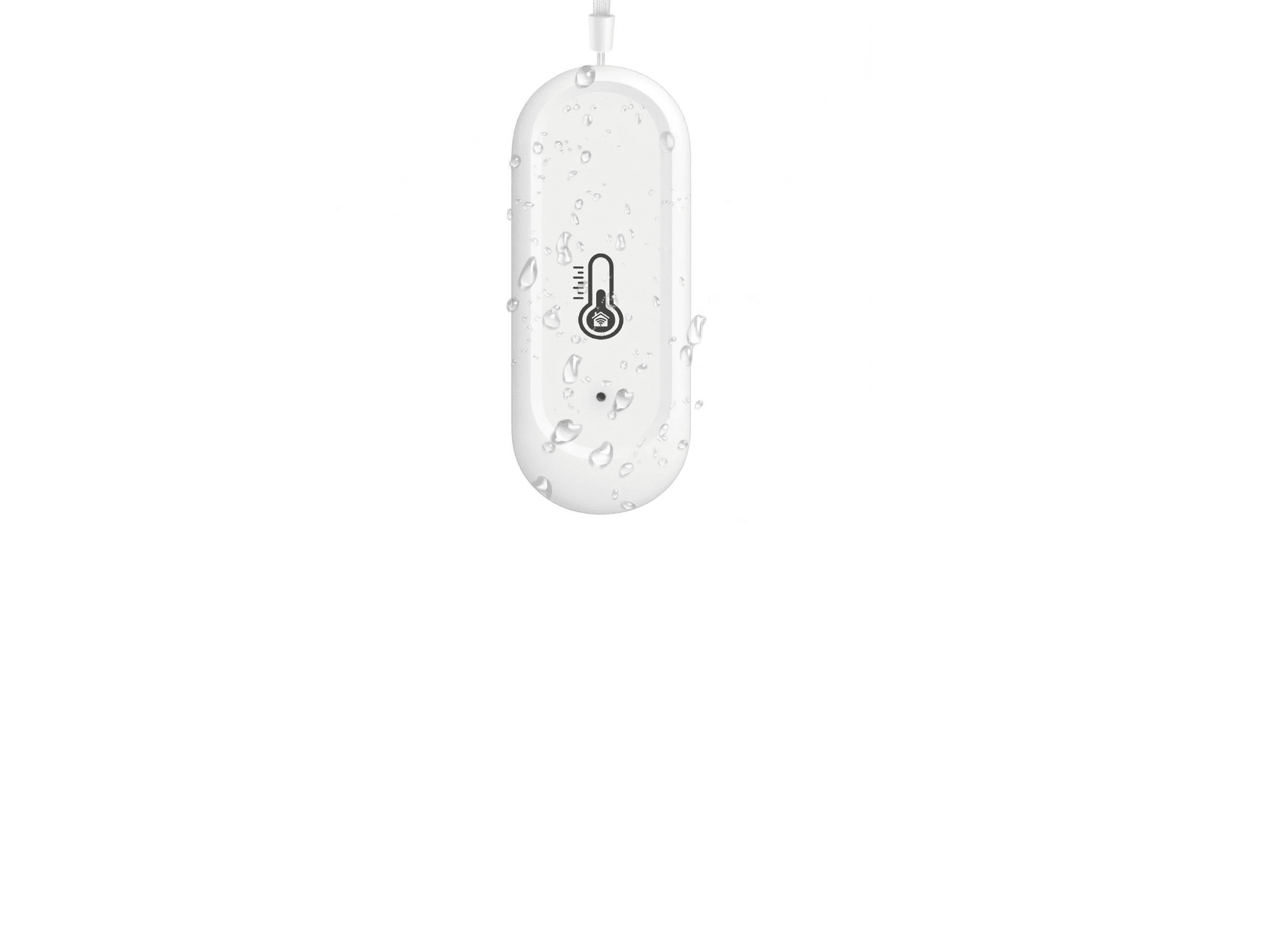
Greenhouses have their own quirks when it comes to temperature control. Here is what to think about before you mount and program yours.
A smart thermostat that works perfectly in a house can behave unpredictably in a greenhouse if it is not set up with the environment in mind. The temperature swings are bigger, the humidity is higher, the heat sources are different, and where you place the sensor matters in a way it rarely does indoors. Get those things right and a smart thermostat is genuinely useful — it saves energy, protects your crops overnight, and gives you visibility into what is happening inside the structure when you are not there.
Here is what to sort out before you mount it and how to program it once it is in place.
Sensor placement is the most important decision you will make
A thermostat controls what it measures, not what is actually happening across the whole structure. In a house, that is rarely a problem — rooms are well-mixed and temperatures are relatively uniform. In a greenhouse, temperature can vary by 10 degrees or more between the floor and head height, between the centre of the space and the end walls, and between a spot in direct sun versus a shaded area. Where you put the sensor determines what the system responds to, and a bad placement can result in the heater or ventilation running at exactly the wrong times.
As a general rule, mount the sensor at crop height in the middle third of the tunnel — away from the end walls, away from direct sun exposure, and away from the heater itself. End walls and glazed surfaces collect radiant heat and give artificially high readings. A sensor too close to the heater will satisfy the thermostat before the rest of the space has warmed up. Crop height matters because that is the temperature your plants are actually experiencing, not the air at the peak of the arch.
Shield the sensor from direct sun. Even diffused light through poly film can cause a sensor to read several degrees above the actual air temperature if it has any direct exposure. A simple radiation shield — a small louvred housing that lets air flow freely around the sensor while blocking light — makes readings significantly more accurate. Many smart thermostats designed for greenhouse use include one, but if yours does not, they are inexpensive and worth adding.
Understand what you are controlling — heating, cooling, or both
Most smart thermostats are designed around a single output: they turn a heater on when temperature drops below a setpoint and off when it recovers. That works well for heating-only setups. But many greenhouse operations also need cooling control — opening vents or triggering exhaust fans when daytime temperatures climb too high — and not every thermostat handles both heating and cooling outputs with separate setpoints.
Before you buy, confirm whether you need single-stage or dual-stage control. If you are running a heater on one circuit and ventilation fans on another, you need a thermostat that can manage both independently, with separate high and low setpoints. Running both off a single setpoint — where the same temperature triggers both heating and ventilation depending on direction of change — can work, but leaves you with no differential between when the heater turns off and when the fans kick on, which leads to both systems fighting each other during transitional temperatures.
Set your differentials wide enough to avoid short cycling
Short cycling — where the heater or fans turn on and off in rapid succession because the setpoint is too tight — is hard on equipment and does a poor job of stabilising the environment. In a house, a 1-degree differential on a thermostat is common. In a greenhouse with a large, drafty volume and variable solar gain, that is almost always too narrow.
Start with a differential of 3 to 5 degrees Fahrenheit between the on and off points of each output. This means if your heating setpoint is 55°F, the heater turns on at 55°F and does not turn off until the temperature reaches 58 or 60°F. It seems counterintuitive to let it overshoot slightly, but it results in fewer, longer heating cycles, which is better for the equipment and gives the heat time to distribute through the space before the system switches off.
Night setbacks work differently in a greenhouse
The night setback feature on a smart thermostat — dropping the setpoint a few degrees overnight to save energy — is useful in a greenhouse, but the logic is different from a house. In a house, the setback is purely about comfort and energy cost. In a greenhouse, the floor temperature is your lower limit, and it is set by what your crops can tolerate rather than personal preference.
Most cool-season crops handle night temperatures in the 45 to 50°F range without issue. Warm-season crops and tropical varieties typically need a floor of 55 to 60°F. Set your night setback to the lowest temperature your crop can safely tolerate and no lower — going below that to chase additional energy savings will cost you in plant stress or losses that far outweigh the heating bill reduction.
Remote monitoring is where smart thermostats earn their keep in a greenhouse
The scheduling and setback features of a smart thermostat are useful, but in a greenhouse the real value of a connected unit is the alert functionality. A heater failure on a cold night, a sensor reading that indicates a problem, a temperature that has been climbing for hours during a hot day when the vents were supposed to be open — these are situations where knowing immediately makes the difference between losing a crop and catching a problem in time to do something about it.
Set high and low temperature alerts conservatively — tight enough to catch real problems before they become losses, but not so tight that you are getting notifications every time cloud cover changes the solar gain for twenty minutes. A 5-degree buffer outside your normal operating range is a reasonable starting point. Check the alert history regularly when you first install the system to calibrate what is normal for your specific tunnel and season before you start relying on it fully.
Once it is dialled in, a smart thermostat running on a stable Wi-Fi connection with sensible alerts set is about as close to a set-and-forget monitoring system as a greenhouse gets — which for most growers is exactly the point.
Pairing and setting up your automations with the Sunny app
To connect your smart thermostat and configure your automations, you will need to download the Sunny app. Pairing is done through the app — it walks you through connecting the thermostat to your network, setting your temperature schedules, configuring your high and low alerts, and getting your heating and cooling outputs mapped correctly. Do that setup through Sunny rather than trying to configure everything manually through the thermostat itself.
One thing worth thinking about before you get started: the thermostat needs a Wi-Fi connection to pair, and a lot of greenhouses — especially tunnels that are set back from the main building — do not have reliable wireless coverage at the structure. If that is your situation, you have two options.
The simpler one is to use your phone's cellular data as a hotspot during setup. Turn on the hotspot on your phone, connect the thermostat to it through the Sunny app, complete the pairing and automation setup, then switch the thermostat over to your permanent network once you have one extended to the greenhouse. It is a bit of extra back-and-forth but it works cleanly and gets you through the initial configuration without running cable first.
The other option — if you do not have cellular coverage at the greenhouse either, or if you want the thermostat to run independently without any ongoing network connection — is to preset your automations before the thermostat goes into the structure. Do the full setup indoors where you have Wi-Fi, configure your schedules and setpoints in Sunny, then install the unit in the greenhouse. The programmed automations will run locally on the thermostat without needing a live connection. The tradeoff is that you lose the remote monitoring and alert features until you get a proper network connection to the structure, but the temperature control itself will work as programmed.